How to Track Contractor Hours Without Spreadsheet Confusion
Spreadsheets work until they do not. Here is how to set up contractor time tracking so hours are recorded once, checked early and trusted by everyone downstream.

Spreadsheets are often where contractor time tracking starts. They are flexible, familiar and free. The trouble begins as the number of contractors grows. Different people use different versions, columns drift, formulas break, and by the end of the month nobody is quite sure which file is the right one. The cost is rarely one big mistake. It is a steady drip of queries, corrections and late invoices.
This guide sets out a practical approach to tracking contractor hours that works whatever tool you use, and shows where a dedicated contractor timesheet app helps.
Decide on one source of truth
The first rule is that hours should be recorded once, in one place, by the person who worked them. Every copy creates a chance for the numbers to diverge. If contractors email a spreadsheet, a manager retypes it into another sheet and finance copies it into an invoice, you have three versions of the same week.
Agree where the record lives and make it the only accepted route. If a client wants their own timesheet format, treat that as an output generated from your record, not a second record to maintain by hand.
Match the timesheet period to the placement
Not every contractor works to the same rhythm. Some placements are billed weekly, others monthly, and forcing everyone into the same period creates awkward splits and manual adjustments. Set the period per placement so the timesheet matches how that work will be approved and billed.
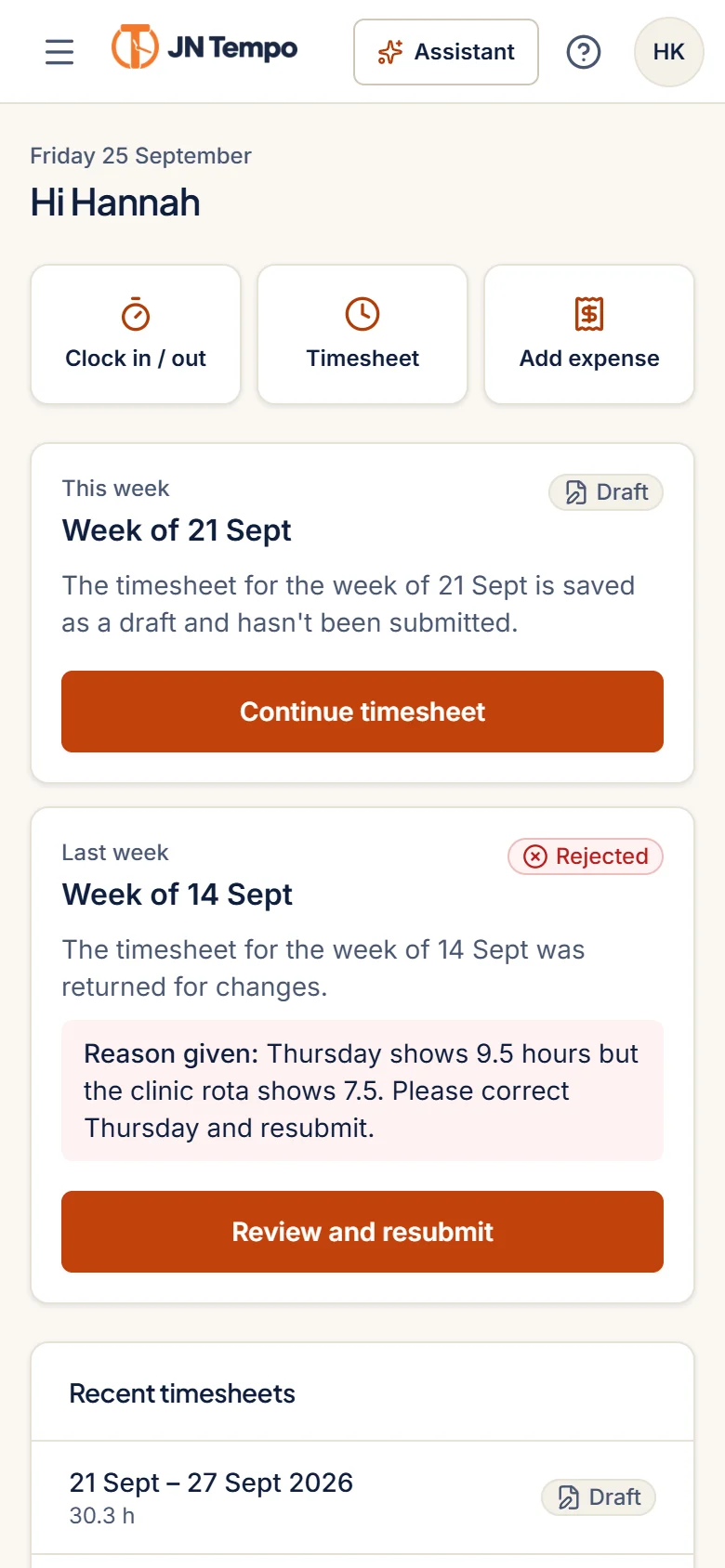
In JN Tempo, the timesheet period is set per placement, either weekly or monthly, and hours are recorded by day and by project. That means a contractor on two projects can split their time without keeping a separate note, and a monthly placement produces one timesheet for the month rather than four or five partial weeks.
Set clear clocking and break rules
Where clocking is used, it helps if times are recorded by the system rather than typed. In JN Tempo, clock in and out times, including breaks, are recorded by the server. If a time is wrong, the contractor requests a correction with a reason and the manager approves or rejects it, with every change kept in the history.
Whatever tool you use, write down the rules before anyone starts. Ambiguity about breaks and travel is one of the most common sources of disputes, so agree the following points in writing.
- Whether unpaid breaks must be recorded, and how.
- Whether travel between sites counts as working time for each placement.
- What to do if someone forgets to clock out.
- The deadline for submitting the week or month.
- The person who answers questions about hours.
Make it easy to record time on a phone
Contractors are often on site, travelling or working at a client desk where they cannot open a laptop. If recording time is awkward, it gets left until Friday afternoon or the last day of the month, and memory is not a reliable timesheet.
A browser based contractor timesheet app that works well on a phone removes that excuse. JN Tempo runs in the browser on phones, tablets and computers with no app to install, and the contractor screens are designed for small screens. Encourage contractors to record time daily, even if they only submit at the end of the period.
Check early, not at the end
The worst time to find a missing timesheet is when the invoice is due. Build in checks during the period so gaps surface while they are still easy to fix.
Submission status in JN Tempo shows who has and has not submitted for the period, and one click reminders let you chase only the people who need it. Email notifications tell contractors when a timesheet is approved or returned, so they are not left wondering. A few habits make early checking routine.
- Look at submission status midway through the period, not only at the deadline.
- Send reminders to people who have not submitted, rather than a blanket email to everyone.
- Compare hours against the expected pattern for each placement and query outliers.
- Review returned timesheets quickly so contractors are not waiting on you.
Keep the history
When questions come up months later, the history matters as much as the totals. Who submitted, who approved, what was changed and why. A spreadsheet rarely keeps that trail. A proper audit log does. JN Tempo keeps an audit log of submissions, approvals, rejections and changes to contractors and placements, which admins can export.
Moving off spreadsheets
You do not need to move everyone at once. Start with one client or one manager, run a full period, and fix the rough edges before widening it. Keep the old spreadsheet read only for reference rather than running both side by side, which only recreates the original problem.
If you would like to try this approach with a dedicated tool, JN Tempo offers a 14 day free trial with no card needed to start at jntempo.jnhorizon.com.
See how JN Tempo handles it
Timesheets, approvals, expenses and reporting for teams that work with contractors.