JN Times Is Now JN Tempo. What Changes in V2.0.0?
JN Times has a new name and a new major release. Here is what changes in V2.0.0, what stays exactly the same and what is still on the way.

JN Times is now JN Tempo. The new name arrived with V2.0.0, which went live on 29 September 2026 and is the first release under the JN Tempo brand. If you already use the product, the most important thing to know is that your day to day work carries on as before. This article sets out what has changed, what has not, and what is still being rolled out.
What stays the same for existing users
The rename does not ask you to start again. Existing users sign in with the same email and password. Your organisation, contractors, placements, timesheets and expenses carry over, existing subscriptions are unchanged, and everyone keeps the same role.
That said, a rename is a good moment for a quick tidy up. A few practical checks are worth doing in the first week.
- Update any bookmarks and internal guides so they point to jntempo.jnhorizon.com.
- Tell contractors about the new name before they see it, so a changed email sender or logo does not look like phishing.
- Check that managers still have the right contractors assigned to them.
- Confirm who in your team receives billing emails for the subscription.
Exports to Excel and PDF
The most visible addition in V2.0.0 is exporting. You can now export timesheet lists with their statuses, individual timesheets, and contractor and manager directories to Excel or PDF. Exports follow whatever filters and date range you have applied, and you can choose either the records you have selected or everything that matches.
Before a file is generated you see a preview of what it will contain, which helps catch a wrong date range before it reaches a client or your finance team. Files are created on request and never stored at a public address. Managers can export only their assigned contractors, private notes are left out unless an admin chooses to include them, and amounts in different currencies are totalled separately rather than added together.
Guided tours and help where you need it
Each role now has a guided tour. Admins, managers and contractors each see a walkthrough that matches what they actually do, and the tour can be restarted from Help at any time. Tours never change records, so it is safe to click through them on a live account.
Question mark help buttons now sit beside the areas people most often ask about, including assignments, manager permissions, timesheet statuses, clock corrections, expenses, exports, analytics layout and billing. For admins introducing the product to new contractors, this should mean fewer basic questions landing in your inbox.
Clock corrections, sign up and the new design
Clock in and clock out times are now recorded by the server. If a contractor forgets to clock out or taps at the wrong moment, they request a correction with a reason, and their manager approves or rejects it. Every change is kept in the history, so the original time and the corrected time are both visible later.
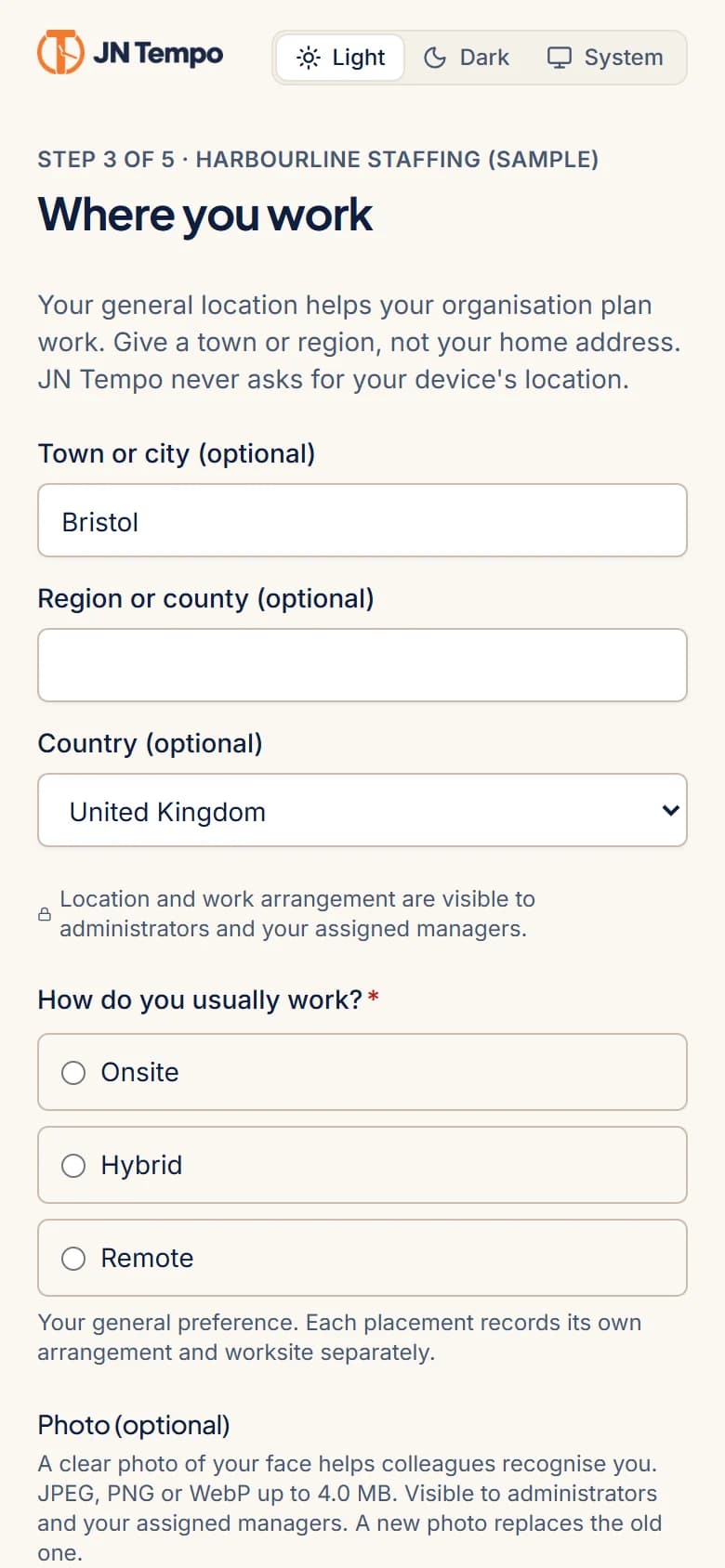
Sign up now takes three steps, and your email is verified before the account is created. People can sign in with either their email or a username. Welcome emails contain a link to choose a password, so temporary passwords are no longer sent by email.
The look has changed too. JN Tempo uses a new navy and orange design with light and dark themes, and contractor screens have been reworked to work well on a phone, which is where many contractors record their time.
What is still being rolled out
Some parts of V2.0.0 are being rolled out in stages and are not yet listed on the live product site. They are planned rather than finished, so treat them as coming soon when you plan your own processes.
- Purchase order tracking linked to contractors and placements, with PDF attachments, remaining balances, expiry warnings and manager read and write permissions.
- Contractor billing with weekly and monthly schedules, payment due reminders, approved hours with approver details, rates, currencies, totals and optional PO references.
- Validated Xero compatible billing export files.
- Limited company details, optional bank details with restricted access, and expanded profiles with contract dates.
- AI assistance on role aware dashboards and the option to invite additional admins.
- Further security hardening of uploads and APIs.
Pricing after the rename
Pricing has not changed with the new name. Plans are £79 per month billed monthly or £799 per year billed annually, both including 20 contractor accounts, with extra packs of 20 contractors at £25 per month. Existing subscriptions continue as they were.
If you are an existing user, sign in as normal and take the guided tour for your role. If you are new, you can start a 14 day free trial at jntempo.jnhorizon.com. Questions can go to support@jnhorizon.com.
See how JN Tempo handles it
Timesheets, approvals, expenses and reporting for teams that work with contractors.